
This document is the user manual for BP-900K. It introduces the safety guidelines, product features, installation preparations, operation panel, and printer parameter settings of BP-900K printer.
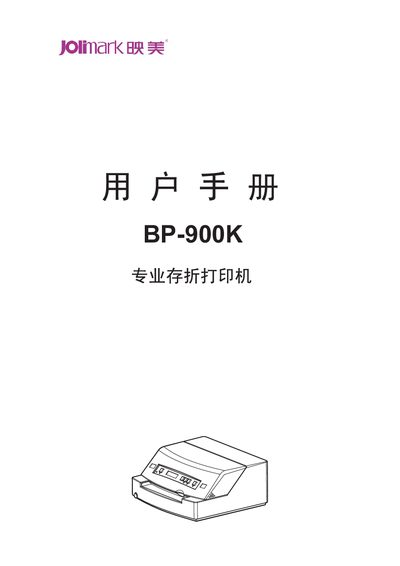
This manual covers all safety precautions, unpacking, and preparation needed before operating the BP-900K printer. It explains how to install the ribbon cartridge, connect power and interfaces, and load paper media.
The document also describes the operation panel, menu‑driven parameter settings, maintenance procedures, troubleshooting tips, and detailed technical data such as dimensions, power consumption, print speed, resolution, and supported paper formats. This manual is written in Chinese.
| Overall dimensions (W×L×H) | 380 mm × 340 mm × 170 mm |
|---|---|
| Weight | ≈ 9 kg |
| Input voltage | 110‑240 V |
| Frequency | 50 Hz / 60 Hz |
| Power consumption (working) | 46.3 W |
| Power consumption (maximum) | 115 W |
| Standby power | 7 W |
| Print speed (normal mode) | 100 CPS (10 CPI) |
| Resolution | 360 dpi (horizontal) × 360 dpi (vertical) |
| Maximum paper thickness | 2.0 mm |
| Supported interfaces | Parallel, USB, Serial |
| MTBF | ≥ 20 000 hours |
Passbook paper: width 105‑235 mm, length 105‑210 mm; ticket paper: width 70‑240 mm, length 70‑320 mm; maximum thickness 2.0 mm.