
This document is a supplement to the User's Guide for EPSON® PowerLite® 500c/700c/710c Multimedia Projector. It provides important safety information, including warnings about not looking into the projector lens when the lamp is turned on, keeping children away from the lens, and not opening any cover on the projector except the lamp and filter covers. It also cautions against touching the new lamp with bare hands when replacing it.
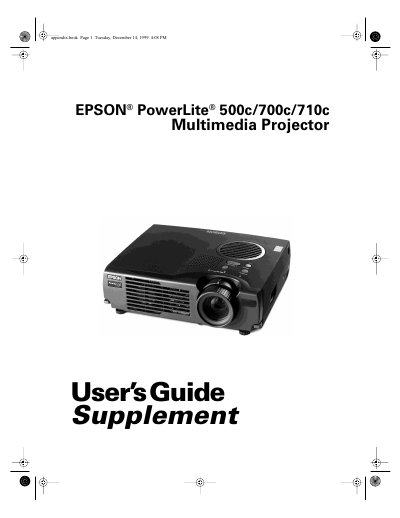
This document serves as a supplement to the main User's Guide for the Epson PowerLite 500c/700c/710c Multimedia Projector. It focuses specifically on setting up connections with desktop computers (PC and Mac) rather than laptops, which are covered in the primary guide.
The text details how to position the projector relative to the screen for optimal image quality and provides step-by-step instructions for connecting various cables, including computer video cables, audio cables, and remote mouse control cables. It also explains how to use the projector's menus to adjust settings like brightness, contrast, and color.
| Product Type | Multimedia Projector |
|---|
No, for instructions on connecting to a laptop computer or external speakers, you must refer to your main User's Guide.
If you connect the projector to your desktop computer, you cannot view your images on the computer monitor.