
Key facts
Start here
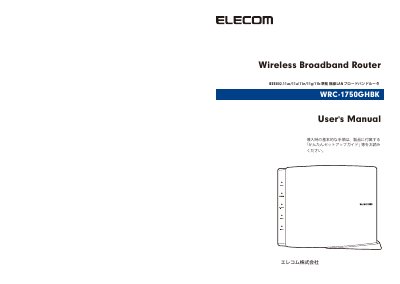
Wireless Router IEEE802.11ac/11a/11n/11g/11b Compliant Wireless LAN Broadband Router
This document is the User's Manual for the ELECOM WRC-1750GHBK wireless broadband router, which complies with IEEE802.11ac/11a/11n/11g/11b standards. It explains the detailed configuration methods for using the product and lists important safety precautions to ensure safe handling.
For basic setup procedures, users are advised to refer to the "Easy Setup Guide" included with the product. The manual also defines specific terminology used throughout the text, such as "Wireless LAN Broadband Router" and "Wireless AP". This manual is written in Japanese.
ELECOM WRC-1750GHBK specifications
| Default Username | admin |
|---|---|
| Default Password | admin |
| Default LAN IP Address | 192.168.2.1 |
| DHCP Server Function | Valid |
| Default Encryption System | WPA2-PSK (AES) |
All ELECOM WRC-1750GHBK documents by type
Day-to-day operation, settings and troubleshooting. Start here if the product is already set up.
Questions answered in these manuals
What is the model number of this router?
The model number is WRC-1750GHBK.
From: Wireless Router IEEE802.11ac/11a/11n/11g/11b Compliant Wireless LAN Broadband Router
Which wireless standards does this router support?
It supports IEEE802.11ac, 11a, 11n, 11g, and 11b standards.
From: Wireless Router IEEE802.11ac/11a/11n/11g/11b Compliant Wireless LAN Broadband Router
How do I reset the product to factory default values?
Press the Reset button for more than 10 seconds until the POWER lamp blinks.
What are the default login credentials?
The default username and password are both 'admin'.