
Key facts
- Brand
- Elecom
- Model
- WRC-1900GHBK-S
- Documents
- 2
- Languages
- JA
- Last added
- 2023-10-18
Start here
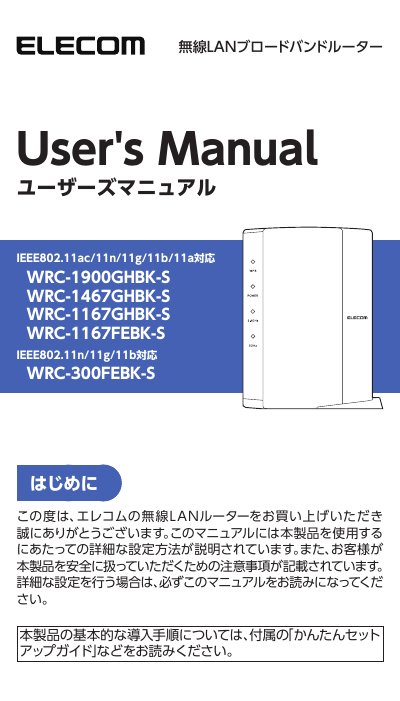
ELECOM WRC-1900GHBK-S/WRC-1467GHBK-S/WRC-1167GHBK-S/WRC-1167FEBK-S/WRC-300FEBK-S Wireless LAN Router User Manual
This user manual provides step-by-step instructions for setting up and configuring ELECOM's wireless LAN routers, including models WRC-1900GHBK-S, WRC-1467GHBK-S, WRC-1167GHBK-S, WRC-1167FEBK-S, and WRC-300FEBK-S. It covers initial setup, wireless and wired connections, child net timer, firewall, QoS, and system settings. Safety precautions and warranty information are also included. This manual is written in Japanese.
Read onlineAll ELECOM WRC-1900GHBK-S documents by type
Day-to-day operation, settings and troubleshooting. Start here if the product is already set up.
Questions answered in these manuals
What wireless standards does the WRC-1900GHBK-S model support?
It supports IEEE802.11ac/11n/11g/11b/11a.
What is the purpose of this manual?
It explains detailed setup methods and safety precautions for using the wireless LAN router.
Which models does this manual cover?
This manual is common for the WRC-1900GHBK-S, WRC-1467GHBK-S, WRC-1167GHBK-S, and WRC-300FEBK-S.
How do I reset the router?
Press and hold the reset button on the back of the unit for more than 10 seconds.