
Key facts
- Brand
- Elecom
- Model
- WMC-S1267GS2
- Category
- Other Electronics
- Documents
- 2
- Languages
- JA
- Last added
- 2023-11-18
Start here
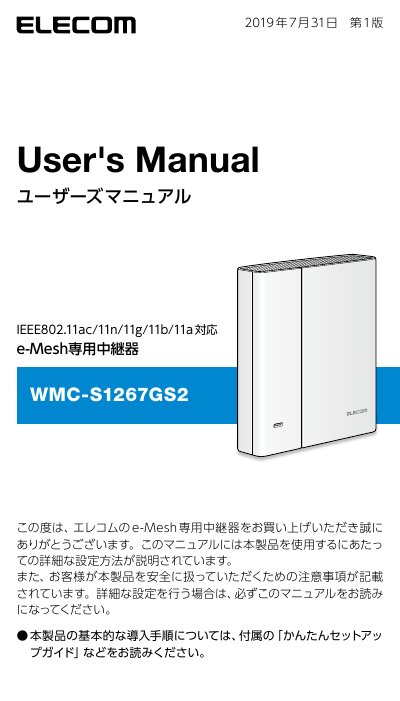
ELECOM WMC-S1267GS2 e-Mesh Relay User Manual
User Manual 66 pages · 3.9 MB · JA
This manual provides detailed instructions for setting up and using the ELECOM WMC-S1267GS2 e-Mesh relay. It explains how to connect the device to an e-Mesh compatible router using the WPS button or LAN cable, and how to access the management interface via a web browser. The guide also covers firmware updates and troubleshooting common connection issues. This manual is written in Japanese.
Read onlineELECOM WMC-S1267GS2 specifications
| Wireless Standards | IEEE 802.11ac/11n/11g/11b/11a |
|---|---|
| Default Login Name | admin |
| Default Password | Random alphanumeric string |
| MU-MIMO Support | Yes (up to 2 terminals) |
All ELECOM WMC-S1267GS2 documents by type
User Manual 2
Day-to-day operation, settings and troubleshooting. Start here if the product is already set up.
Questions answered in these manuals
How do I connect the relay to the e-Mesh router?
You can connect by pressing the WPS button on both devices or by using a LAN cable.
What is the default login name for the management screen?
The default login name is 'admin'.
What is the default login username for the management screen?
The default username is 'admin'.
How do I initialize the device to factory settings?
Press and hold the RESET button until the POWER lamp starts blinking, then wait for the device to restart.