
This document introduces the design concept and technical innovation of Intel® 12th Gen Core™ processors, including multi-core, high frequency and hybrid architecture.
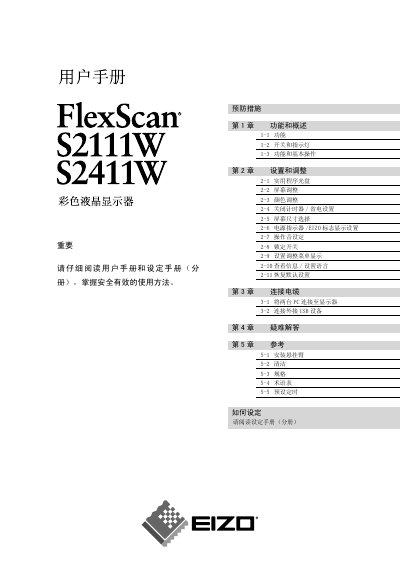
This manual covers safety precautions, basic operation, and detailed adjustment settings for the EIZO S2111W and S2411W LCD monitors. It includes instructions for connecting PCs, USB devices, and mounting arms, as well as cleaning and maintenance tips.
Additional sections provide a full specifications table, a glossary of terms, and a troubleshooting guide to help resolve common issues such as power problems or display anomalies. This manual is written in Chinese.
| Native resolution | 1680 × 1050 (S2111W) / 1920 × 1200 (S2411W) |
|---|---|
| Effective pixel percentage | 99.9994 % or higher |
| Analog video input | RGB, 0.7 Vp‑p |
Select the “Restore Default Settings” option in the settings menu (section 2‑11).
Immediately disconnect all power connections and contact an authorized service technician.
Turn off and unplug the power cable and any connected cables, then lift the unit using both hands from the bottom.