
Key facts
- Brand
- EIZO
- Model
- EX4
- Category
- Other Electronics
- Documents
- 2
- Languages
- ZH · EN
- Last added
- 2023-10-30
Start here
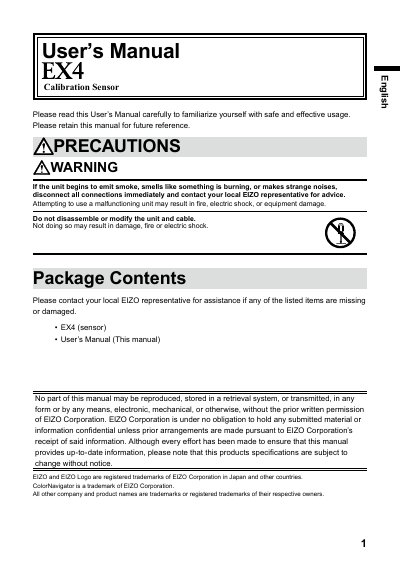
EIZO EX4 Calibration Sensor User's Manual
This is the User's Manual for the EIZO EX4 calibration sensor. It explains that the sensor is used for calibrating ColorEdge series monitors with the color management software ColorNavigator 7, and it provides instructions for installing the software and attaching the EX4 to a monitor.
The manual also lists package contents, specifications, certification and standards information, FCC and CE notices, limited warranty terms, and recycling information.
EIZO EX4 specifications
| Operating temperature | 15°C - 35°C |
|---|---|
| Storage temperature | -10°C - 60°C |
| Operating humidity | 30% - 80% relative humidity, no condensation |
| Storage humidity | 30% - 80% relative humidity, no condensation |
| Power | 5.0V ±2.5V, max 100 mA |
| Weight | Approx. 148 g |
| Dimensions | 79.1 mm (W) x 75.5 mm (H) x 457 mm (D) |
| Certifications | CE, FCC-A |
All EIZO EX4 documents by type
Day-to-day operation, settings and troubleshooting. Start here if the product is already set up.
Questions answered in these manuals
What software is required to use the EX4 sensor?
ColorNavigator 7 must be installed before the EX4 can be used.
What is the warranty period for the EX4?
The warranty period is two years from the date of purchase.
What software is required to use the EIZO EX4?
ColorNavigator 7 software must be installed to enable use of the EX4.
How do I connect the EIZO EX4?
Connect the EX4 to the USB downstream port of either the PC or the monitor.