
The Dell Latitude 3460 Wyse TC Quick Start Guide provides information on how to connect the power adapter, turn on the computer, and access product support and manuals.
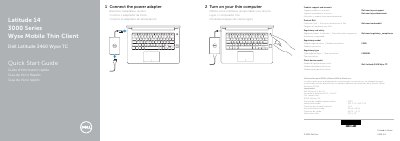
This document is the Quick Start Guide for the Dell Latitude 3460 Wyse TC thin client. It provides instructions on how to connect the power adapter and turn on the device. The guide is multilingual, available in English, French, Portuguese, and Spanish.
| Input Voltage | 100 V CA–240 V CA |
|---|---|
| Input Current (max) | 2,5 A |
| Input Frequency | 50 Hz–60 Hz |
| Output Current | 4,62 A – 6,7 A |
| Output Voltage | 19,5 V DC |
| USB 3.0 Ports | 2 |
The regulatory model number is P63G.
Support and manuals are available at Dell.com/wyse/support and Dell.com/wyse/downloads.