
Key facts
Start here
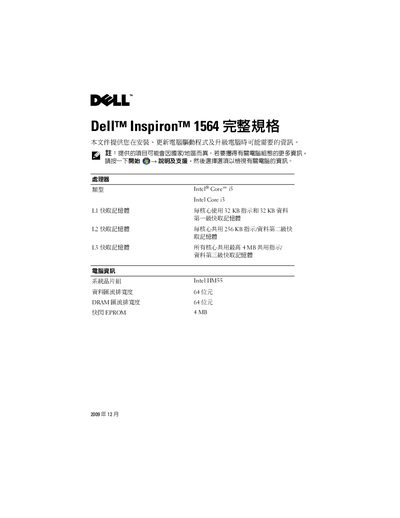
Dell Inspiron 1564 User Manual
This manual offers installation guidance, driver update information, and detailed hardware specifications for the Dell Inspiron 1564 notebook. It includes sections on processors, memory, storage, connectors, display, keyboard, battery, and environmental limits.
Key topics cover supported memory types, card readers, AC adapter specifications, operating temperature ranges, and physical dimensions, helping users configure and maintain the laptop safely. This manual is written in Chinese.
All Dell Inspiron 1564 documents by type
Disassembly, diagnostics and part numbers, for repair.
Day-to-day operation, settings and troubleshooting. Start here if the product is already set up.
Questions answered in these manuals
What tools are recommended for servicing the computer?
The procedures may require a small Phillips screwdriver, a small flat-blade screwdriver, a plastic scribe, and the BIOS update executable from support.dell.com.
Who is allowed to perform repairs on the Dell Inspiron 1564?
Only a qualified service technician should perform repairs; unauthorized service can void the warranty.
What is the procedure to safely ground the system board before working inside?
Press and hold the power button with the system disconnected to ground the system board.
What steps are needed to remove a PCI Express x16 card?
Press the retention mechanism down, hold the card by the upper corners, and remove it from the connector.
Who is authorized to perform repairs on this computer?
Only qualified service technicians are authorized to perform repairs on the computer.
What equipment is recommended for this procedure?
The recommended equipment includes a small Phillips screwdriver, a small flathead screwdriver, a plastic pry tool, and a BIOS update program.