
Dell Inspiron 1564 Laptop Service Manual

The Dell™ Inspiron™ 1564 laptop is a high-performance laptop that features an Intel Core 2 Duo processor, 2GB of memory, a 250GB hard drive, NVIDIA GeForce 9600M GT graphics, a 15.6-inch display, and a weight of 2.6 kilograms.
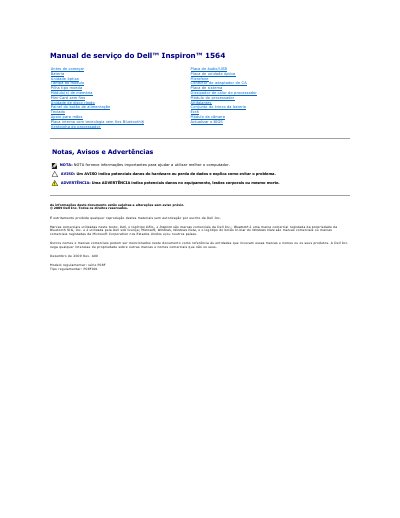

Dell Inspiron 1564 Laptop Service Manual - cover page
Brand
DELL
Category
Laptops
Document type
Service Manual
Language
Portuguese
Pages
58
File format
PDF
File size
1.5 MB
Published
19 November, 2023
Updated
19 November, 2023
MD5 checksum
E219DF32E468CC4CE5E8B472F3250287

About this manual

This service manual covers the removal and installation procedures for various components of the Dell Inspiron 1564 laptop. It includes detailed steps for accessing the internal chassis by removing the battery, optical drive, keyboard, and palm rest. Safety warnings emphasize the need for qualified technicians and proper electrostatic discharge precautions. This manual is written in Portuguese.

What's inside

  • Antes de começar
  • Retirar o conector do adaptador de CA
  • Voltar a colocar o conector do adaptador de CA
  • Retirar a bateria
  • Voltar a colocar a bateria
  • Retirar a unidade óptica
  • Voltar a colocar a unidade óptica
  • Retirar o teclado
  • Voltar a colocar o teclado
  • Actualizar o BIOS
Download PDF (1.5 MB)

More DELL Manuals


View all DELL manuals →