
Key facts
Start here
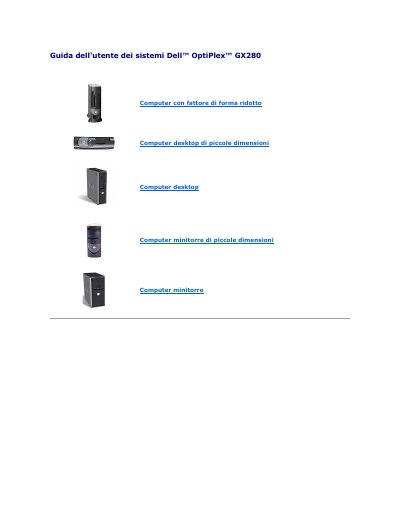
Dell OptiPlex GX280 Small Desktop User Manual
This user guide covers Dell OptiPlex GX280 computers, including small form factor desktops, small desktops, small minitowers, and minitowers. It explains system setup, LegacySelect technology control, and manageability features such as ASF version 1.03 alerts and Dell OpenManage IT Assistant.
The manual also describes security options, including chassis intrusion detection, password protection, and security cable slot usage. It provides procedures for assigning, entering, changing, or removing system passwords. This manual is written in Italian.
Dell GX280 specifications
| ASF version | 1.03 |
|---|---|
| System battery low voltage | 2.2 V or lower |
| System password length | up to 32 characters |
All Dell GX280 documents by type
Day-to-day operation, settings and troubleshooting. Start here if the product is already set up.
Questions answered in these manuals
How do I set chassis intrusion detection?
Open the system setup program, select System Security, then Chassis Intrusion, and choose On, On-Silent, or Off.
How many characters can a system password contain?
A system password can contain up to 32 characters.
What chassis type is model DHP?
Model DHP is a small form-factor chassis.
What should I use to reinstall the operating system?
Use the Operating System CD.
What models are covered by this guide?
The guide covers models DHP, DHS, DCNE, DHM, and DCSM.
From: Dell OptiPlex GX280 Desktop Computer Quick Reference Guide
Which chassis type is DHP?
DHP is the small form-factor chassis.
From: Dell OptiPlex GX280 Desktop Computer Quick Reference Guide