
The Dell™ OptiPlex™ GX280 Small Desktop User's Guide provides information on the specifications, features, and use of the computer.
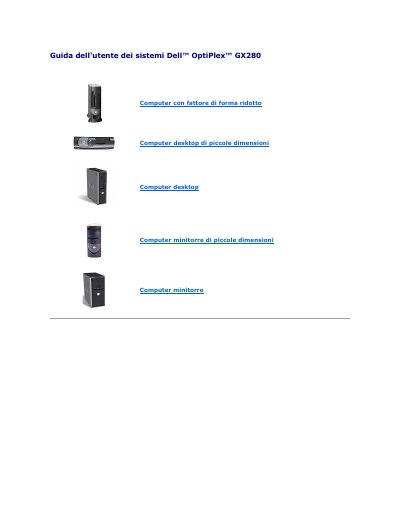
This user guide covers Dell OptiPlex GX280 computers, including small form factor desktops, small desktops, small minitowers, and minitowers. It explains system setup, LegacySelect technology control, and manageability features such as ASF version 1.03 alerts and Dell OpenManage IT Assistant.
The manual also describes security options, including chassis intrusion detection, password protection, and security cable slot usage. It provides procedures for assigning, entering, changing, or removing system passwords. This manual is written in Italian.
| ASF version | 1.03 |
|---|---|
| System battery low voltage | 2.2 V or lower |
| System password length | up to 32 characters |
Open the system setup program, select System Security, then Chassis Intrusion, and choose On, On-Silent, or Off.
A system password can contain up to 32 characters.
The system halts and must be powered down.