
Key facts
Start here
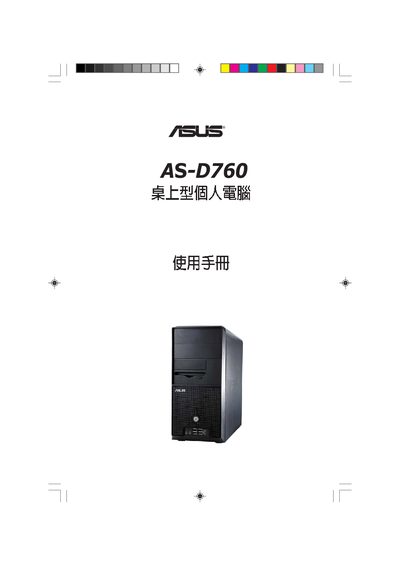
ASUS AS-D760 Computer User Manual
This manual covers the complete setup of the ASUS AS-D760 desktop computer, including hardware installation, BIOS configuration, power‑menu options, and jumper settings. Detailed sections explain how to adjust BIOS features such as ACPI support, boot device priority, and hardware monitoring.
The document also provides instructions for using the recovery CD to restore Windows XP, as well as contact information for ASUS support centers worldwide.
ASUS AS-D760 specifications
| Chipset | Intel G31 |
|---|---|
| Memory | DDR2 800 (PC2‑6400) 2 GB × 1, 2 modules supported |
| Hard Drive | 500 GB 7200 rpm, 8 MB cache |
| Optical Drive | 16× DVD Super Multi |
| Network Interface | Realtek RTL8111C 10/100/1000 Mbps Ethernet |
| Audio Codec | Realtek ALC662 6‑Channel CODEC |
| Expansion Slots | 2× PCI, 1× PCI‑Express x16 |
| USB Ports | 4× USB 2.0 |
| Dimensions | 420 mm × 193 mm × 365 mm (W × D × H) |
All ASUS AS-D760 documents by type
Day-to-day operation, settings and troubleshooting. Start here if the product is already set up.
Questions answered in these manuals
How do I enable ACPI APIC Support?
Set ACPI APIC Support to Enabled in the BIOS.
What is the default Jumper Mode?
The default Jumper Mode is Jumper Free (Default).
What type of memory does the AS-D760 use?
It uses DDR2 800 MHz (PC2‑6400) SDRAM, with 2 GB modules and supports two such modules.
Does the AS-D760 include a built‑in Ethernet controller?
Yes, it includes a Realtek RTL8111C Ethernet controller supporting 10/100/1000 Mbps.