
This document is a product introduction for Terminator P4 533 2 ( 1 ) 2 ©2002, describing the features and characteristics of the product.
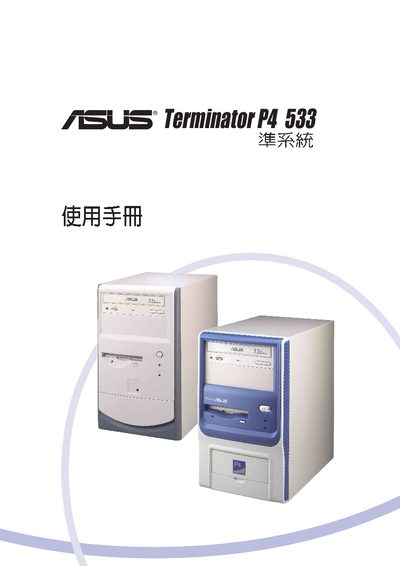
This manual covers the ASUS Terminator P4 533 barebone computer, detailing its hardware components, BIOS configuration, and system menus. It includes sections on power management, boot options, and peripheral setup.
The document also provides troubleshooting guidance, hardware monitor instructions, and a list of supported expansion cards such as PCI modem and CD‑ROM devices.
| Supported PCI Modem Card | 56K PCI Modem Card |
|---|---|
| Supported CD‑ROM | Standard CD‑ROM drive |
| Floppy Drive Capacity | 1.44 MB |
The BIOS setup is accessed through the Boot Menu section of the manual.
The manual lists a 56K PCI Modem Card and a standard CD‑ROM drive as supported expansion cards.
Use the Hardware Monitor menu described in the manual.