
The Ubiquiti UVP-Touch TALK UT-Phone-Touch is a 5-inch HD touchscreen VoIP phone supporting PoE+, SIP, and Android 7.0 operation.
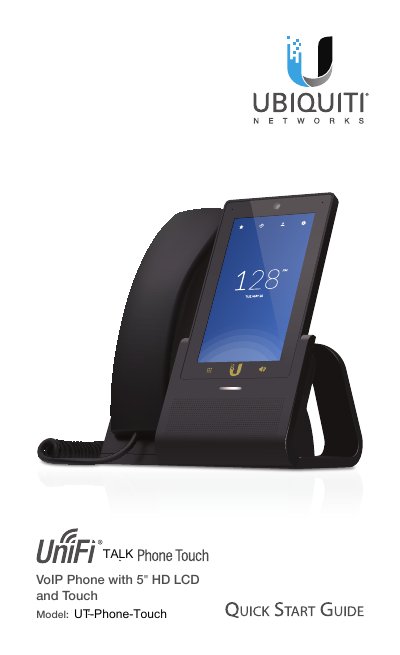
The Ubiquiti UVP-Touch TALK UT-Phone-Touch is a VoIP phone with a 5-inch HD touchscreen display. Installation requires a UniFi Switch or PoE+ (802.3at-compliant) switch and a third-party SIP/PBX provider.
The phone includes a front camera, touchscreen, keypad, volume controls, LED status indicator, Ethernet ports, USB-C port, headset jack, and handset. Users enter SIP server credentials to configure the device, then make and manage calls using the touchscreen interface.
| Dimensions | 166 x 140 x 182.5 mm (6.50 x 5.50 x 7.19") |
|---|---|
| Weight | 1.10 kg (2.43 lbs) |
| Display | 5" (Diagonal), 720 x 1280 HD, G+F Multi-Touch |
| Camera | 5M Pixel |
| Power Input | PoE+ 802.3.at |
| Processor | Octa-Core CPU, 8x ARM Cortex A53, 1.8 GHz |
| Memory | 32 GB eMMC + 16 GB LPDDR3 |
| Operating Temperature | 0 to 40° C (32 to 104° F) |
| OS | Android 7.0 / PJSIP v2.4 |
It uses PoE+ 802.3.at power input.
It runs Android 7.0 with PJSIP v2.4.
The dimensions are 166 x 140 x 182.5 mm.
No, VoIP service may not work during a power outage or when the Internet connection fails.