
This guide will guide you through the installation of Ubiquiti NanoBeam 5AC Gen 2, including instructions on installation, use and maintenance.
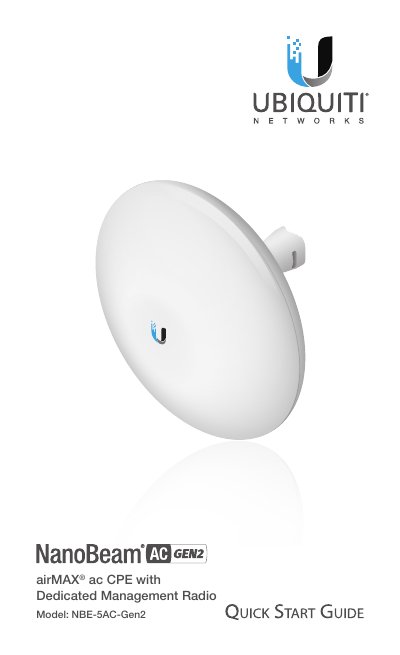
This Quick Start Guide provides instructions for installing the Ubiquiti NanoBeam 5AC Gen 2 (Model NBE-5AC-Gen2) on a pole or wall. It details the required hardware, including the included Ball Joint Mount and Metal Strap, and outlines the steps for secure mounting and aiming. The guide also explains the function of the device's LEDs and reset button.
| Dimensions | 189 x 189 x 125 mm (7.44 x 7.44 x 4.92") |
|---|---|
| Weight | 530 g (1.17 lb) |
| Gain | 17 dBi |
| Networking Interface | (2) 10/100/1000 Ethernet Ports |
| Max. Power Consumption | 8.5W |
| Power Supply | 24V, 0.5A Gigabit PoE Adapter |
| Operating Temperature | -40 to 80° C (-40 to 176° F) |
| Wind Survivability | 200 km/h (125 mph) |
| Operating Frequency (Worldwide) | 5150 - 5875 MHz |
Ubiquiti radio devices must be professionally installed using shielded Ethernet cable and earth grounding.
Press and hold the Reset button for more than 10 seconds while the device is powered on.
Shielded Category 5 (or above) cabling with drain wire should be used.