
Ubiquiti Networks UAP-AC Enterprise WiFi AP
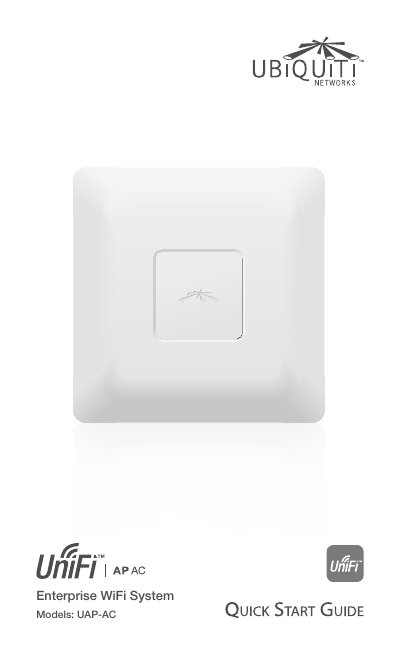
This Quick Start Guide provides instructions for setting up the Ubiquiti Networks UniFi Enterprise WiFi System, specifically the UAP-AC model. It details the package contents, system requirements for the management station, and network topology needs. The guide explains how to integrate the device into a network using the UniFi Controller software and describes the hardware overview, including LED status indicators and port functions.
| Dimensions | 200 x 204 x 27 mm |
|---|---|
| Weight | 508 g (566 g with Mounting Kits) |
| Networking Interface | (2) 10/100/1000 Ethernet Ports |
| Wi-Fi Standards | 802.11 a/b/g/n/ac |
| Power Method | Passive Power over Ethernet (48V), 802.3at Supported |
| Max. Power Consumption | 22 W |
| Max. TX Power (5 GHz) | 28 dBm |
| Operating Temperature | -10 to 55° C |
The management station requires Microsoft Windows Vista, Windows 7, Windows 8, or Mac OS X, Java Runtime Environment 1.6 (or above), and a web browser like Mozilla Firefox, Google Chrome, or Microsoft Internet Explorer 8 (or above).
The UniFi AP can be powered by the included PoE GigE Adapter, a PoE+ 802.3at compliant switch, or a Ubiquiti Networks TOUGHSwitch PRO.