
This is an 8-port PoE-powered Gigabit switch that supports PoE passthrough
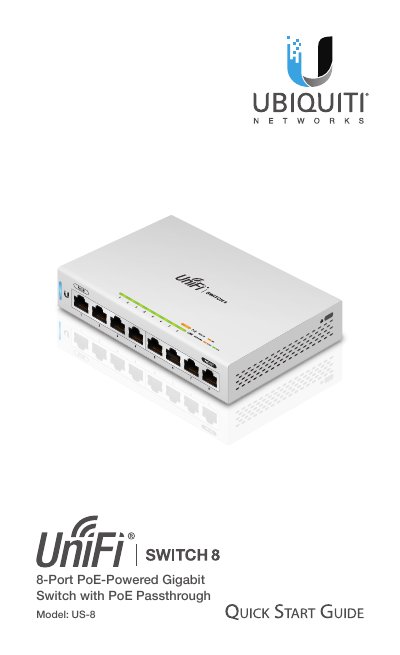
This Quick Start Guide introduces the Ubiquiti Networks UniFi 8-Port PoE-Powered Gigabit Switch with PoE Passthrough (Model: US-8). It outlines the package contents, system requirements, and network topology requirements necessary for deployment. The guide also includes a sample network diagram and instructions for accessing the UniFi Controller software.
| Dimensions | 148 x 99.5 x 30.7 mm (5.83 x 3.92 x 1.21") |
|---|---|
| Weight | 432 g (15.24 oz) |
| Networking Interfaces | 8 x 10/100/1000 Mbps RJ45 Ports |
| Operating Temperature | -5 to 45° C (23 to 113° F) |
| Power Consumption | 12W (Excluding PoE Output) |
The system requires Linux, Mac OS X, or Microsoft Windows 7/8/10, Java Runtime Environment 1.8 or above, and a web browser like Google Chrome.
The maximum power consumption is 12W, excluding any power output from the PoE ports.
Press and hold the Reset button for more than five seconds to restore the switch to factory default settings.