
This is the quick start guide of Ubiquiti Networks™ mFi™ mPower™ PRO, which introduces the product's usage and features.
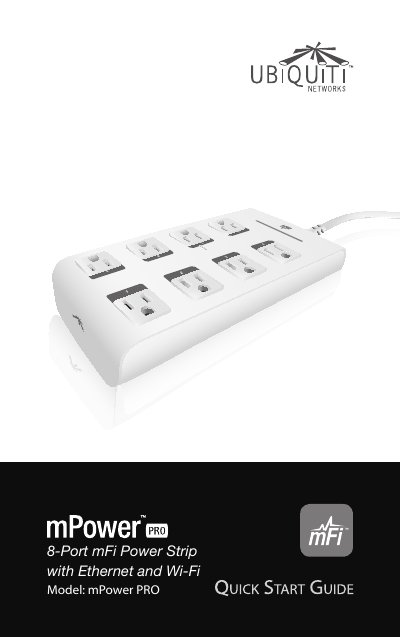
This guide walks you through installing and configuring the mPower PRO smart power strip using the mFi Controller software. It includes hardware setup, network connection options (Ethernet or Wi-Fi), software installation, and device management via web browser or cloud access.
The device supports remote monitoring and automation rules, and comes with mounting hardware for wall installation. Specifications include 8 outlets, 10/100 Ethernet, 802.11b/g/n Wi-Fi, and operating temperature range of 0 to 40°C.
| Dimensions | 250.37 x 116.7 x 42 mm |
|---|---|
| Weight | 754.4 g |
| Power | 110-125VAC, 50-60 Hz, 15 A Per Outlet, 15 A Total |
| Outlets | 8 |
| Networking Interface | 10/100 Ethernet Port |
| Wi-Fi Standards | 802.11b/g/n |
| Memory | 16 MB RAM, 8 MB Flash |
| Operating Temperature | 0 to 40° C |
| Humidity | 95% RH Max. |
Yes, but you must first configure Wi-Fi settings using the Ethernet connection before connecting to Wi-Fi.
Windows XP, Vista, 7, 8 or Mac OS X; Java Runtime Environment 1.6 or above; Web browser: Firefox, Chrome, or IE 8+.