
Ubiquiti UC-CK RESET UniFi Cloud Key Quick Start Guide

This is a user manual for Ubiquiti Networks UniFi Cloud Key
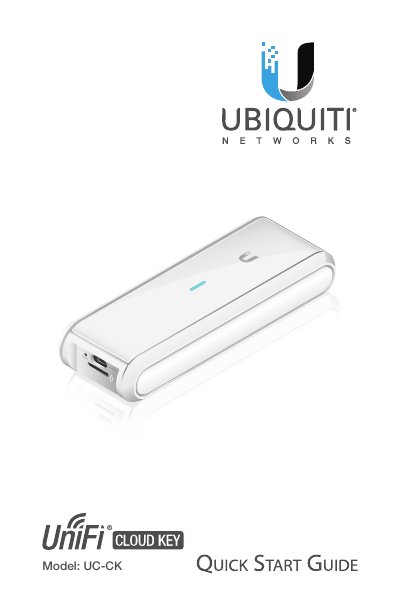

Ubiquiti UC-CK RESET UniFi Cloud Key Quick Start Guide - cover page
Brand
Ubiquiti
Category
Other Computer Accessories
Document type
Quick Start Guide
Language
English
Pages
28
File format
PDF
File size
3.9 MB
Published
18 October, 2023
Updated
18 October, 2023
MD5 checksum
5D5F63DACE7DD25B2AC0B385C1853074

About this manual

This Quick Start Guide provides instructions for installing and setting up the Ubiquiti Networks UniFi Cloud Key (Model UC-CK RESET). It details the package contents, system requirements, and network topology needs to ensure proper operation within a DHCP-enabled network.

What's inside

  • Introduction
  • Package Contents
  • System Requirements
  • Hardware Overview
  • Hardware Installation
  • Powering the UniFi Cloud Key
  • Software Installation
  • Specifications

Specifications

Dimensions21.7 x 43.4 x 121.9 mm
Weight110 g
Networking Interface10/100/1000 Ethernet Port
Power MethodPoE USB-C 48V 802.3af or Passive PoE
Operating Temperature0 to 40° C
Max. Power Consumption5W

Frequently asked questions

How do I restart the UniFi Cloud Key?

Press and release the Reset button quickly.

How do I restore the UniFi Cloud Key to factory defaults?

Press and hold the Reset button for more than five seconds.

Download PDF (3.9 MB)

More Ubiquiti Manuals


View all Ubiquiti manuals →