
This manual introduces the EdgeOS configuration interface, system requirements, hardware overview, and typical deployment scenarios.
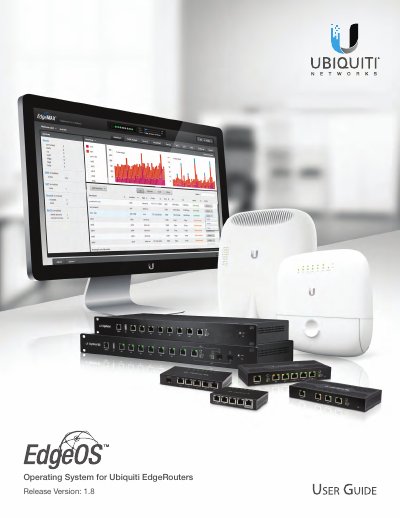
This User Guide is designed for use with version 1.8 or above of the EdgeOS Configuration Interface and all EdgePoint and EdgeRouter models. It provides instructions on managing the device using the web-based Configuration Interface or the Command Line Interface (CLI). The guide details typical deployment scenarios, including Small Office/Home Office (SOHO) and Service Provider setups, outlining steps for configuring system settings, interfaces, routing, and security policies.
| Supported OS Version | 1.8 or above |
|---|---|
| Compatible Models | EdgePoint and EdgeRouter |
| System Requirements (OS) | Windows 7, 8, 10, Linux, Mac OS X |
| System Requirements (Browser) | Chrome, Firefox, Edge, IE 8+ |
| Default Login Username | ubnt |
| Default Login Password | ubnt |
| Default Management IP | 192.168.1.1 |
| Management Subnet | 192.168.1.x |
The default username and password are both 'ubnt'.
Supported browsers include Google Chrome, Mozilla Firefox, Microsoft Edge, and Microsoft Internet Explorer 8 or above.
The guide highlights Small Office/Home Office (SOHO), Service Provider, and Corporate deployments.