
This is the installation guide of Ubiquiti Networks® UniFi® In‑Wall 802.11ac Wave 2 Wi‑Fi Access Point, which includes model, package contents, installation requirements, system requirements, network topology requirements and so on
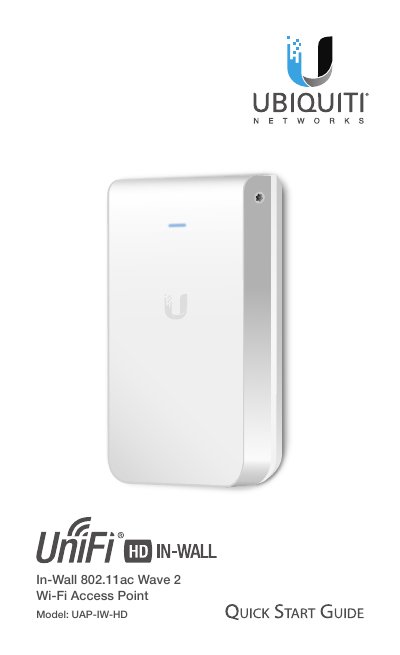
This Quick Start Guide provides instructions for installing the Ubiquiti Networks® UniFi® In‑Wall 802.11ac Wave 2 Wi‑Fi Access Point (Model UAP-IW-HD). It details the package contents, installation requirements, and hardware overview, noting that the device requires a UniFi Switch with PoE for power. The guide also covers system requirements for the UniFi Controller software and network topology.
| Dimensions | 139.7 x 86.7 x 25.75 mm (5.5 x 3.41 x 1.01") |
|---|---|
| Weight | 210 g (7.41 oz) |
| Power Method | 802.3af PoE |
| Operating Temperature | -10 to 60° C (14 to 140° F) |
UniFi Controller v5.7 is recommended for managing the UAP-IW-HD.
Yes, it requires a UniFi Switch with PoE. Passive PoE adapters are not recommended.
Press and release to restart, or press and hold for more than five seconds to restore factory defaults.