
This is a gigabit switch produced by Ubiquiti Networks, which supports SFP interface and has a model number of ES-24-Lite. It supports wall-mounting and rack-mounting.
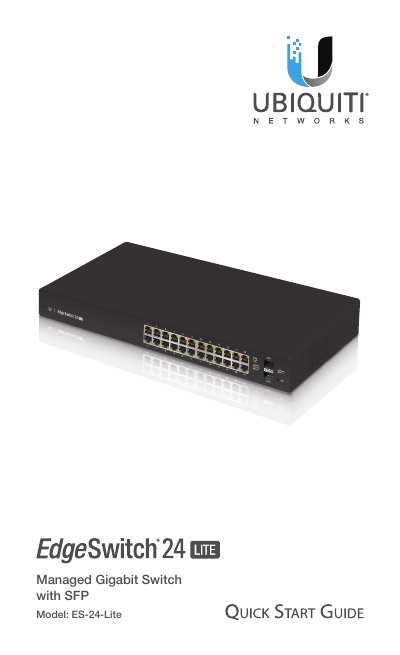
This document serves as a Quick Start Guide for the Ubiquiti Networks EdgeSwitch Lite model ES-24-Lite. It provides instructions for installation, including rack-mounting and wall-mounting, as well as power connection procedures. The guide also details the hardware overview, specifically explaining the function of the front panel LEDs and buttons.
| Interfaces | 24 x 10/100/1000 Mbps RJ45 Ethernet Ports, 2 x 1 Gbps SFP Ethernet Ports |
|---|---|
| Max. AC Power Consumption | 25W |
| Operating Temperature | -5 to 40° C (23 to 104° F) |
| Dimensions | 443 x 43 x 221 mm (17.44 x 1.69 x 8.70") |
You need a Phillips screwdriver and a standard-sized 19" wide rack with a minimum of 1U height for rack-mounting.
A flashing white System LED indicates that the device is booting up.
You can perform a Runtime Reset by pressing and holding the Reset button for about 15 seconds until the System LED flashes blue for two seconds.