
Quick installation guide for Ubiquiti's 5 GHz outdoor directional antenna with RF isolated reflector.
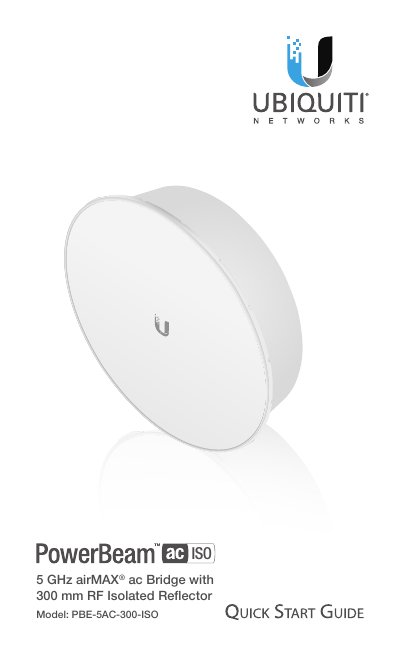
This guide walks you through installing the Ubiquiti PowerBeam ac 5 GHz RF Isolated Reflector. It includes hardware overview, mounting instructions, and LED indicators. The device requires professional installation with shielded Ethernet cabling and grounding. It supports worldwide 5 GHz frequencies with 22 dBi gain and is rated for 200 km/h wind survivability.
The package includes the reflector, radome, antenna feed, mounting hardware, and a Gigabit PoE adapter. Reset and release buttons are used for configuration and assembly. LEDs indicate signal strength and Ethernet/power status. Installation requires a 13 mm wrench and compliance with local regulations on frequency and power. This manual is written in Chinese.
| Model | PBE-5AC-300-ISO |
|---|---|
| Operating Frequency | Worldwide: 5150 - 5875 MHz; USA: 5725 - 5850 MHz |
| Gain | 22 dBi |
| Networking Interface | 10/100/1000 Ethernet Port |
| Max. Power Consumption | 5.5W |
| Power Supply | 24V, 0.5A |
| Wind Survivability | 200 km/h (125 mph) |
| Operating Temperature | -40 to 70° C (-40 to 158° F) |
| Dimensions with Radome | 364 x 364 x 276 mm (14.3 x 14.3 x 10.9") |
| Weight | 2.55 kg (5.62 lb) |
Worldwide: 5150 - 5875 MHz; USA: 5725 - 5850 MHz.
Press and hold the Reset button for more than 10 seconds while powered on, or reset remotely via the Reset button on the Gigabit PoE adapter.
LED lights blue at signal strengths above -65 dBm, -73 dBm, -80 dBm, and -94 dBm respectively.
200 km/h (125 mph).