
Quick start guide for Ubiquiti NanoStation AC NS-5AC 5 GHz airMAX ac CPE with Wi-Fi management radio, covering installation, hardware overview, and…
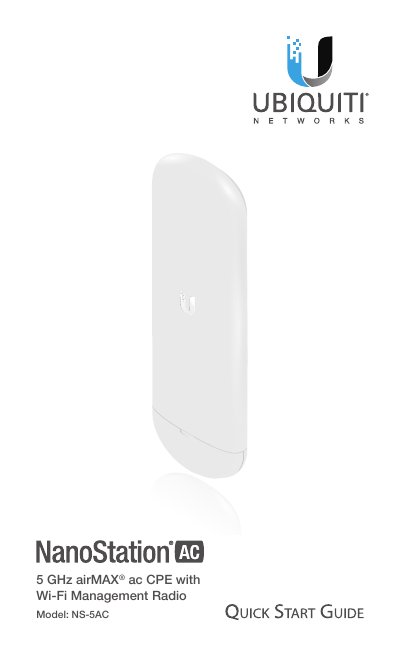
The Ubiquiti NanoStation AC NS-5AC is a 5 GHz airMAX ac CPE with a Wi-Fi management radio. The package includes the NanoStation, wall mount bracket, screws, screw anchors, zip ties, a Gigabit PoE adapter (24V, 0.5A), power cord, and this quick start guide. Professional installation with shielded Ethernet cable and earth grounding is required for warranty.
Installation requires a Phillips screwdriver and shielded Category 5 (or above) cabling with drain wire for outdoor wired Ethernet connections. Surge protection using Ethernet Surge Protectors (model ETH-SP) is recommended. The hardware overview shows LED indicators for power, main/secondary Ethernet, and signal strength. Ports include a main 10/100/1000 Ethernet port for power and LAN, a secondary 10/100 Ethernet port with PoE passthrough, and a reset button. Installation steps cover port cover removal, Ethernet connection, pole mounting with zip ties, and wall mounting with the included bracket. This manual is written in Chinese.
| Weight | 233 g (8.22 oz) |
|---|---|
| Gain | 16 dBi |
| Max Power Consumption | 9 W |
| Networking Interface | (2) RJ45, 10/100/1000 Ethernet Ports |
| LEDs | Power, ETH1, ETH2, (4) Signal Strength |
| Power Supply | 24VDC, 0.5A Gigabit PoE Adapter |
| Power Method | 802.3af or Passive PoE (Pairs 4, 5+; 7, 8 Return) |
| Supported Voltage Range | 24V ±10% |
| Mounting | Pole and Wall Mounting Kits Included |
| ESD/EMP Protection | ±24 kV Contact/Air |
| Operating Temperature | -40 to 70° C (-40 to 158° F) |
| Operating Humidity | 5 to 95% Noncondensing |
| Certifications | CE, FCC, IC |
| Operating Frequency (Worldwide) | 5150 - 5875 MHz |
| Management Radio Frequency (Worldwide) | 2412 - 2472 MHz |
Press and hold the Reset button for more than 10 seconds while the device is powered on. A remote reset button is also located on the bottom of the PoE adapter.
The operating temperature range is -40 to 70° C (-40 to 158° F).
It has two RJ45 Ethernet ports: one 10/100/1000 main port and one 10/100 secondary port with PoE passthrough.
The antenna gain is 16 dBi.