
Quick start guide for the Ubiquiti EdgePoint EP-R6 Intelligent WISP Control with FiberProtect router, covering installation, ports, power, LEDs, and specs.
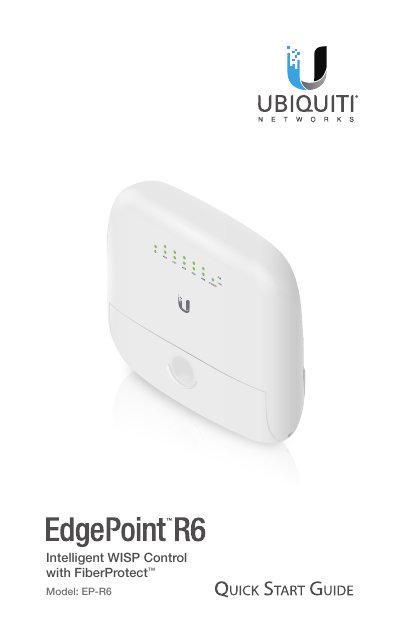
The Ubiquiti EdgePoint EP-R6 is an Intelligent WISP Control router with FiberProtect. This Quick Start Guide is designed to guide you through installation and includes the warranty terms.
It describes the package contents and installation requirements, then covers the hardware ports, reset options, power input/output choices, front panel LEDs, pole mounting, port cover removal, and grounding. The specifications section lists dimensions, weight, power consumption, power inputs and outputs, supported voltage range, ports, processor, memory, code storage, certifications, operating temperature, and operating humidity.
| Dimensions | 188.6 x 177.1 x 49.8 mm |
|---|---|
| Weight | 605 g (1.33 lb) |
| Max. Power Consumption | 7W (Excludes PoE Output) |
| Power Input | (1) DC Terminal Block or (1) RJ45 (eth0) |
| Data Ports | (5) 10/100/1000 RJ45 Ports and (1) 1 Gbps SFP Port |
| Processor | Dual-Core 880 MHz, MIPS1004Kc |
| Code Storage | 256 MB NAND |
| Operating Temperature | ‑20 to 65° C (‑4 to 149° F) |
| Certifications | CE, FCC, IC |
| Operating Humidity | 10 ‑ 90% Noncondensing |
For a runtime reset, press and hold the Reset button for about 10 seconds until the eth4 LED starts flashing and then becomes solidly lit.
The ground wire should be as short as possible and no longer than one meter.
The hot-swappable SFP port supports 100 Mbps or Gigabit fiber SFP modules.
A 7 mm socket wrench is used to turn the screw clockwise and securely fasten the metal strap to the pole.