
Turkish quick start guide for the Ubiquiti airFiber AF-5XHD 5 GHz access point, covering antenna compatibility, installation, LEDs and PoE.
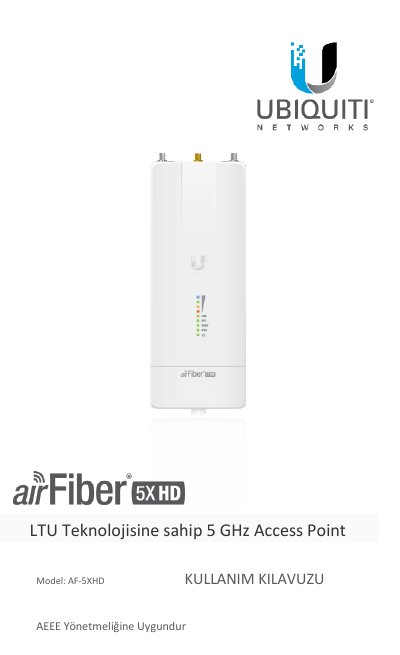
Ubiquiti Networks® AF-5XHD is a 5 GHz access point/radio. The Turkish quick start guide covers package contents, antenna compatibility, installation requirements, a hardware overview, installation, Power over Ethernet, airFiber configuration, IP67 upgrade, alignment, technical specifications, safety notices and warranty information.
The guide lists compatible airFiber X antennas AF-5G23-S45, AF-5G30-S45 and AF-5G34-S45, and notes that RocketDish RD-5G30 and RD-5G34 require the included Universal Mount or an optional AF-5G-OMT-S45 conversion kit. It also describes the management port, data port, reset button, LED behavior and default IP addresses. This manual is written in Turkish.
| Frequency band | 5 GHz |
|---|---|
| Management port speed | 10/100/1000 Mbps |
| Management port default IP address | 192.168.2.20 |
| Data port default IP address | 192.168.1.20 |
| Data port type | Gigabit PoE |
The AF-5XHD is designed for the AF-5G23-S45, AF-5G30-S45 and AF-5G34-S45 airFiber X antenna models.
The default IP address of the management port is 192.168.2.20.
With the device powered on, hold the Reset button for more than 10 seconds.
The Data port is a Gigabit PoE port that handles all user traffic and supplies power to the device.