
The Philips Momentum 275M1 monitor user manual provides safety guidelines, installation steps, operation instructions, and technical specifications.
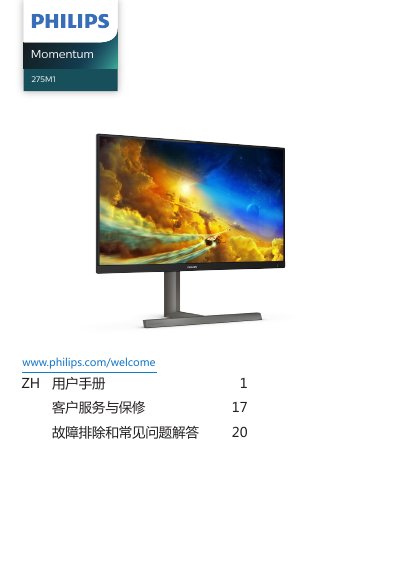
This manual covers important safety measures, proper handling, and disposal of the Philips Momentum 275M1 monitor. It explains how to install the base, connect power and video cables, and adjust the screen using the on‑screen display (OSD) menu. The guide also describes image‑optimisation features such as SmartImage, AMD FreeSync™, HDR, and LowBlue Mode.
Technical specifications are listed, including panel type, size, native resolution, refresh‑rate ranges, contrast ratio, and power consumption. Troubleshooting tips and warranty information help users resolve common issues such as no picture, image retention, and audio problems. This manual is written in Chinese.
| Panel type | IPS |
|---|---|
| Screen size | 27" |
| Native resolution | 2560 × 1440 @ 60 Hz |
| Refresh rate | 48‑144 Hz (HDMI), 48‑170 Hz (DP) |
| Contrast ratio | 1000:1 |
| Typical power consumption | 46.3 W |
| Standby power consumption | 0.5 W |
Check that the computer is turned on and that the video signal cable is correctly connected to the PC.
Verify that the signal cable is securely connected to the graphics card or PC.