
The Philips 221E LCD monitor user manual provides safety guidelines, setup instructions, FAQs and technical specifications.
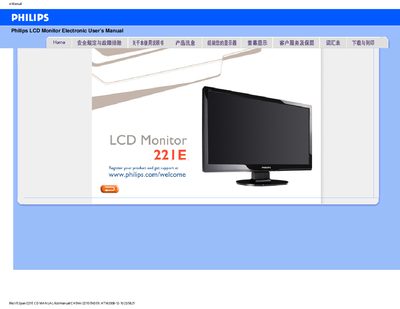
This manual covers safety precautions, proper handling, and maintenance for the Philips 221E LCD monitor. It explains how to install the monitor, connect power, and avoid damage from heat, moisture or impact.
The document also includes a comprehensive FAQ section with troubleshooting steps, screen‑adjustment instructions, cleaning recommendations, and driver download guidance, plus key technical specifications such as supported video modes and environmental limits.
| Operating Temperature | 0‑40 °C (32‑104 °F) |
|---|---|
| Operating Humidity | 20‑80 % RH |
| Recommended Video Mode | 1920 × 1080 @ 60 Hz |
| Refresh Rate | 60 Hz (standard) |
| VESA Mounting | 4 standard VESA mounting holes on the back |
Use the Philips‑recommended video mode of 1920 × 1080, disconnect all cables, reconnect a working monitor, set the resolution in Windows display settings, adjust the refresh rate to 60 Hz, then restart the computer and reconnect the Philips monitor.
Use a soft, lint‑free cloth for routine cleaning; for a thorough clean, use isopropyl alcohol, avoiding organic solvents such as acetone or ethanol.
Yes, the monitor has four standard VESA mounting holes on the back, allowing installation on most VESA‑compatible brackets.