
The Philips SPK7407B4000 mouse user manual provides setup, connection, specifications, and troubleshooting instructions.
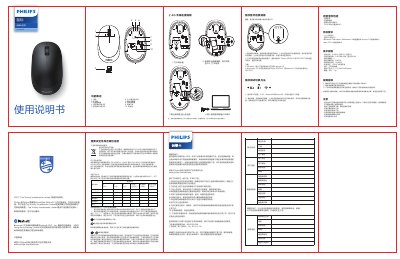
This manual explains the features of the Philips SPK7407B4000 wireless mouse, including 2.4 GHz and Bluetooth 3.0/5.0 connectivity, four programmable buttons, and a 1600 DPI optical sensor. It guides users through mode switching, pairing, and battery replacement.
Safety, warranty, and environmental disposal information are also included, along with compliance statements for CE, RoHS, and EU directives. This manual is written in Chinese.
| Wireless technology | 2.4 GHz / Bluetooth 3.0 / Bluetooth 5.0 |
|---|---|
| Wireless range | ≈15 m (2.4 GHz), ≈10 m (Bluetooth) |
| Button count | 4 |
| Button life | 3 million clicks |
| Sensor resolution | 1600 DPI |
| Battery type | 1 × AA Philips battery |
| Interface | USB receiver |
| Dimensions | 110.2 × 65.6 × 34.8 mm |
| Weight | 83 g ± 5 g |
Short‑press the mode‑switch key to select a Bluetooth mode (indicator flashes slowly); long‑press to start pairing (indicator flashes quickly). The mode indicator stays lit for 3 seconds then turns off when the switch is complete.
Search for “Philips SPK7407” for Bluetooth 3.0 devices or “SPK7407” for Bluetooth 5.0 devices.
Windows 7 and earlier do not support Bluetooth 5.0; newer Windows, Android 3.2+, and macOS 10.5+ are compatible.
The product is covered for one year from the purchase date for hardware defects, provided a valid warranty card is presented.