
User manual for Philips B Line 222B1/242B1 LCD monitors covering setup, operation, image optimization, power management and troubleshooting.
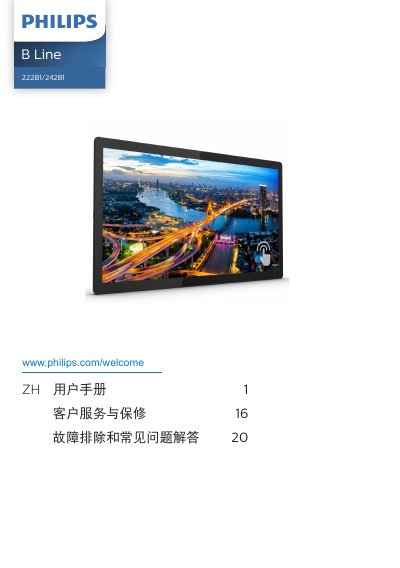
This manual provides safety instructions, disposal guidelines, and step‑by‑step procedures for installing and operating the Philips B Line 222B1 and 242B1 LCD monitors. It includes detailed guidance on connecting video and USB cables, adjusting the on‑screen display (OSD), and using SmartImage, SmartContrast and SmoothTouch features.
Technical specifications, power‑management settings, warranty information and a comprehensive troubleshooting & FAQ section are also included, helping users resolve common issues such as image burn‑in, resolution settings and touch‑screen responsiveness. This manual is written in Chinese.
| Panel size | 21.5" (222B1) / 23.8" (242B1) |
|---|---|
| Resolution | 1920 × 1080 @ 60 Hz (native) |
| Contrast ratio (typical) | 1000:1 |
| Brightness (typical) | 340 nits (222B1) / 295 nits (242B1) |
| USB ports | USB 3.2 x1 (upstream), USB 3.2 x2 (downstream), mini‑USB 2.0 |
Set the display resolution to the native 1920 × 1080 pixels for optimal performance.
A refresh rate of 60 Hz is recommended; you may increase to 75 Hz to check for interference.