
The Philips BDM3201F monitor user manual covers safety, installation, operation, image optimization, specifications, power management, warranty and…
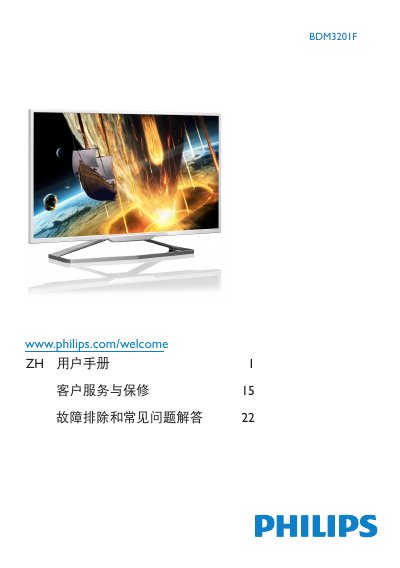
This manual provides essential safety guidelines, disposal instructions and warranty conditions for the Philips BDM3201F LCD monitor. It explains how to install the unit, connect video and audio cables, and operate the on‑screen display (OSD) controls.
The guide also describes the SmartImage modes, SmartContrast, power‑saving features, technical specifications such as panel size, resolution and response time, and offers troubleshooting steps and FAQs for common issues like image burn‑in, resolution settings and cleaning the screen. This manual is written in Chinese.
| Panel size | 31.5" (80 cm) |
|---|---|
| Native resolution | 1920 × 1080 @ 60 Hz |
| Response time (typical) | 6.5 ms (GtG) |
| SmartContrast ratio | 20,000,000:1 |
| Typical power consumption (normal operation) | 51.4 W |
Wipe the screen with a clean, slightly damp soft cloth; for deeper cleaning use isopropyl alcohol, avoiding regular alcohol, ethanol, acetone or other solvents.