
The Philips B Line 162B9 monitor user manual provides safety guidelines, setup steps, image optimization, touch features, specifications, power management…
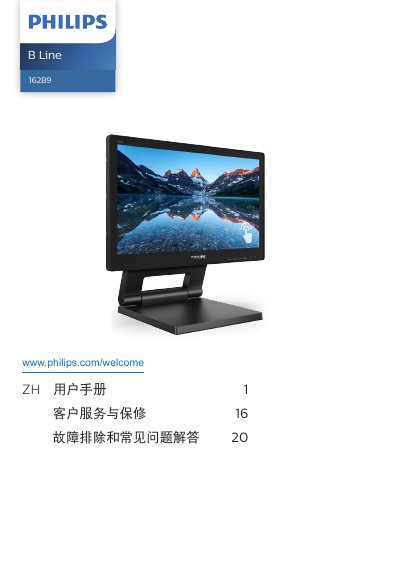
This manual covers important safety measures, installation instructions, and operation of the Philips B Line 162B9 15.6" LCD monitor. It explains how to connect the display, adjust the on‑screen menu, and use SmartImage, SmartContrast and SmoothTouch features.
Technical specifications, power‑management options, warranty information and a detailed troubleshooting/FAQ section are also included to help users maintain optimal performance and resolve common issues. This manual is written in Chinese.
| Panel type | TN |
|---|---|
| Backlight | W‑LED |
| Screen size | 15.6" (39.6 cm) |
| Resolution | 1366 × 768 @ 60 Hz |
| Contrast ratio (typical) | 500:1 |
| Brightness (typical) | 220 nits |
| Touch response time | ≤ 35 ms |
| Typical power consumption (normal mode) | 7.70 W |
| Input connectors | VGA, DVI‑D, DisplayPort 1.2, HDMI 1.4, USB 3.1 x2 |
Use the native resolution of 1366 × 768 at 60 Hz for optimal performance.
The recommended refresh rate is 60 Hz; you may increase to 75 Hz to check for interference.
Wipe the screen with a slightly damp soft cloth; avoid organic solvents such as alcohol or ammonia.
Make sure the USB cable for the touch function is securely connected to both the PC and the monitor.