
The Philips 246V5 monitor user manual provides safety guidelines, installation steps, operation instructions, image optimization, specifications, power…
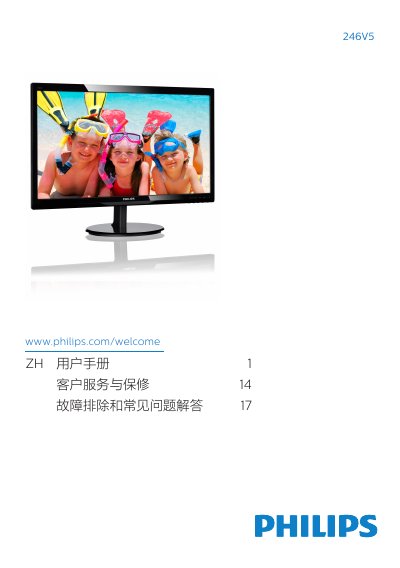
This manual covers everything needed to set up and use the Philips 246V5 LCD monitor safely and effectively. It includes safety warnings, disposal instructions, and detailed steps for installing the monitor, connecting cables, and adjusting on‑screen display settings.
The document also contains image‑optimization features such as SmartContrast, full technical specifications, power‑consumption data, customer‑service contacts, and a comprehensive troubleshooting and FAQ section to help resolve common issues. This manual is written in Chinese.
| Panel type | TFT‑LCD |
|---|---|
| Screen size | 24" (61 cm) |
| Native resolution | 1920 × 1080 @ 60 Hz |
| Refresh rate (typical) | 56 Hz – 76 Hz |
| Response time (typical) | 5 ms |
| SmartContrast ratio | 10,000,000:1 |
| Color depth | 16.7 million colors |
| Inputs | VGA, DVI‑D, HDMI (depending on model) |
Set the PC resolution to the monitor’s native 1920 × 1080 @ 60 Hz, then restart the computer and reconnect the Philips LCD monitor.
The recommended refresh rate is 60 Hz, though you may increase it up to 75 Hz to check for interference.
Use a dry soft cloth for normal cleaning; for detailed cleaning use isopropyl alcohol and avoid ordinary alcohol, ethanol, acetone, or other solvents.