
The manual provides safety guidelines, installation steps, operation instructions, image‑optimization features, FreeSync details, specifications, power…
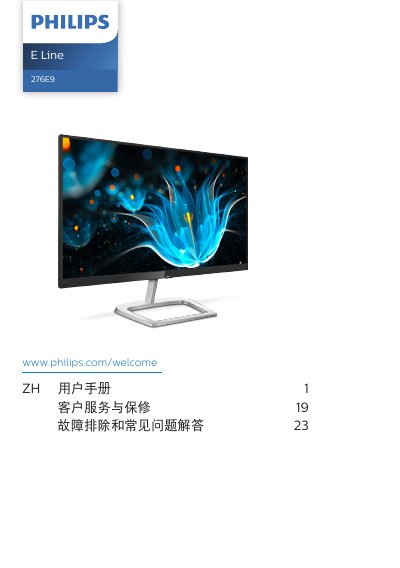
This guide begins with important safety information and detailed installation instructions, including how to attach the base support arm and connect power and video cables. It also covers proper handling, cleaning, and environmental conditions for safe use.
Subsequent sections describe how to operate the monitor via the OSD menu, adjust image settings such as SmartImage, SmartContrast, LowBlue Mode, and use FreeSync. Technical specifications, power consumption, warranty terms, and a comprehensive troubleshooting FAQ are also included. This manual is written in Chinese.
| Panel type | IPS |
|---|---|
| Backlight | W‑LED |
| Screen size | 27" (68.6 cm) |
| Aspect ratio | 16:9 |
| Resolution | 1920×1080 @ 60 Hz |
| Refresh rate (typical) | 60 Hz |
| Color gamut | sRGB |
| Typical power consumption (normal operation) | 24.20 W |
| Typical power consumption (standby) | <0.5 W |
Set the monitor to its native resolution of 1920×1080 at 60 Hz.