
The Philips 272S1S Line monitor user manual provides safety guidelines, setup steps, image‑optimization features, technical specifications, and…
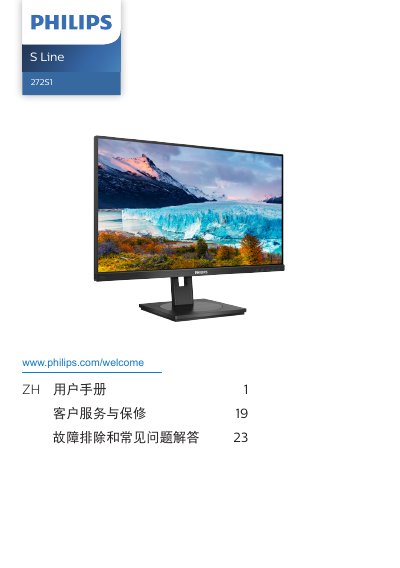
This manual covers important safety information, proper installation, and operation of the Philips 272S1S Line 27‑inch IPS monitor. It explains how to mount the base, connect video and USB ports, and adjust on‑screen settings such as SmartImage, SmartContrast, and low‑blue mode.
The document also lists the monitor’s technical specifications, power‑management options, warranty conditions, and a detailed troubleshooting section that addresses common issues like image burn‑in, resolution settings, and cleaning procedures. This manual is written in Chinese.
| Panel type | IPS |
|---|---|
| Screen size | 27" (68.6 cm) |
| Native resolution | 1920 × 1080 @ 60 Hz |
| Contrast ratio (typical) | 1000:1 |
| Refresh rate range | 48 Hz – 75 Hz |
| Color depth | 16.7 M (6‑bit, Hi‑FRC) |
| Connectivity | 1 × DisplayPort 1.2, 1 × DVI, 1 × HDMI 1.4, 1 × VGA, 1 × Audio‑in, 1 × Audio‑out, 1 × USB‑B (upstream), 4 × USB‑A (downstream, 1 fast‑charge) |
The recommended refresh rate is 60 Hz, but you can increase it up to 75 Hz to check for interference.
Wipe the screen with a clean, slightly damp soft cloth. For detailed cleaning use isopropyl alcohol; avoid regular alcohol, ethanol, acetone, or other solvents.
Enable the screen‑saver or periodic refresh program when the display shows static content; this reduces the risk of burn‑in, ghosting, or image retention.