
The Philips TAG3207 true wireless earbuds user manual provides setup, pairing, charging, operation, LED indicators, reset instructions, and technical…
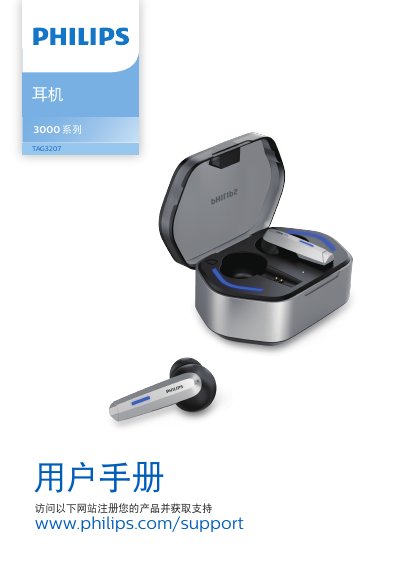
This manual introduces the Philips TAG3207 true wireless earbuds, describing their features, contents of the packaging, and how to register the product for support. It guides users through initial charging, Bluetooth pairing, and everyday use such as music playback, call handling, and mode switching.
Key sections cover charging procedures with the Type‑C cable, LED status meanings, mono‑mode operation, resetting the earbuds, detailed technical data, and a FAQ that addresses common connection and audio issues. This manual is written in Chinese.
| Music playback time | 6 hours |
|---|---|
| Call time | 4 hours |
| Standby time | 120 hours |
| Earbud charging time | 1 hour |
| Charging case charging time | 2 hours |
| Earbud battery capacity | 45 mAh (Li‑ion) |
| Charging case battery capacity | 500 mAh (Li‑ion) |
| Bluetooth version | Bluetooth V5.2 (BT8922E2) |
| Supported Bluetooth profiles | HSP, A2DP, AVRCP |
| Supported audio codec | SBC |
| Frequency range | 2.402‑2.480 GHz |
| Transmit power | < 10 dBm |
| Operating range | ≥ 10 m (33 ft) |
| Charging port | Type‑C |
Place the earbuds in the charging case, connect the case to power with the original Type‑C cable; charging the earbuds takes about 1 hour and the case about 2 hours.
Delete “Philips TAG3207” from the Bluetooth device list, then press each earbud’s button five times; the white LED will stay on for 3 seconds, double‑press to confirm reset, after which the earbuds power off and can be paired again.