
The Philips Momentum 345M2 monitor user manual provides safety guidelines, installation steps, image settings, technical specifications and troubleshooting…
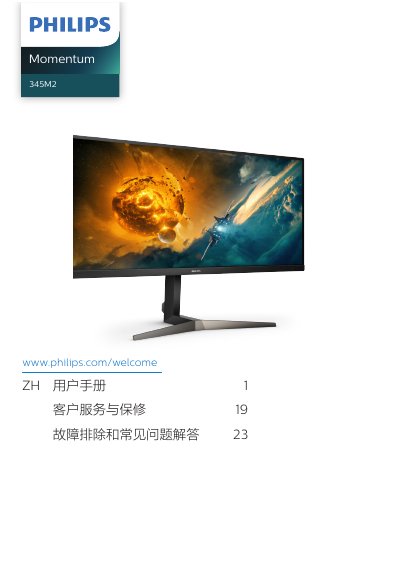
This manual covers all essential information for safely installing and using the Philips Momentum 345M2 LCD monitor. It includes safety precautions, proper handling, power connection, and step‑by‑step instructions for mounting the base, connecting video and audio cables, and accessing the on‑screen display (OSD) menu.
The guide also details image‑optimization features such as SmartImage, HDR, AMD FreeSync Premium, and MultiView, provides the full technical specification table, and offers a comprehensive troubleshooting and FAQ section to resolve common issues like no picture, image retention, or audio problems. This manual is written in Chinese.