
The Philips 27M1N3500L monitor user manual provides safety guidelines, installation steps, operation tips, image settings, specifications and troubleshooting.
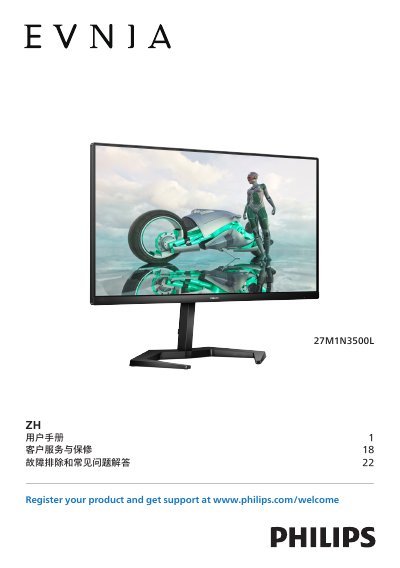
This manual guides users through safe handling, installation, and basic operation of the Philips 27M1N3500L 27‑inch VA‑panel monitor. It covers safety measures, proper mounting, cable connections, OSD navigation, and image‑optimization features such as SmartImage, SmartContrast, HDR and AMD FreeSync™ Premium.
Technical specifications, power‑management advice, warranty information and a detailed troubleshooting section are included to help users maintain optimal performance and resolve common issues such as no‑signal, image ghosting, or color inaccuracies. This manual is written in Chinese.
| Panel type | VA |
|---|---|
| Backlight | W‑LED |
| Panel size | 27" (68.5 cm) |
| Typical contrast ratio | 4000:1 |
| Native resolution | 2560 × 1440 @ 60 Hz |
| Maximum HDMI resolution | 2560 × 1440 @ 144 Hz |
| Maximum DisplayPort resolution | 2560 × 1440 @ 165 Hz |
| HDMI vertical refresh rate range | 48 Hz – 144 Hz |
| DisplayPort vertical refresh rate range | 48 Hz – 165 Hz |
| AMD FreeSync™ Premium | Yes |
| Connectivity – HDMI ports | 2 × HDMI 2.0 (HDCP 1.4/2.2) |
| Connectivity – DisplayPort | 1 × DisplayPort 1.4 (HDCP 1.4/2.2) |
| USB ports | 1 × USB‑B upstream, 4 × USB‑A downstream (2 fast‑charge) |
| Low Blue Light mode | Yes |
The monitor works best at its native resolution of 2560 × 1440 pixels.
Use a dry soft cloth for routine cleaning; for deeper cleaning, lightly dampen the cloth with isopropyl alcohol, avoiding ordinary alcohol, ethanol, acetone or other solvents.