
The Philips BT110 portable speaker user manual provides setup, Bluetooth pairing, charging, playback, call control, and troubleshooting instructions.
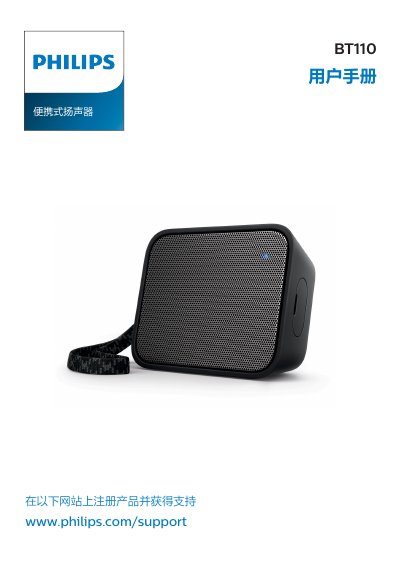
This manual guides you through the basic operation of the Philips BT110 portable speaker, including how to install the carry strap, charge the built‑in battery, turn the device on and off, and connect to Bluetooth or external audio sources. Detailed sections cover Bluetooth pairing, call handling, and using the AUDIO IN jack for non‑Bluetooth playback.
Safety warnings, product specifications, and a troubleshooting guide are also included, along with regulatory and environmental information. Register the product at www.philips.com/support for warranty and support. This manual is written in Chinese.
| Rated output power | 4 W RMS |
|---|---|
| Frequency response | 80 – 16000 Hz |
| Signal‑to‑noise ratio | >72 dB(A) |
| Audio input level | 600 mV RMS, 20 kΩ |
| Speaker impedance | 4 Ω |
| Driver size | 40 mm full‑range |
| Sensitivity | 80 ± 3 dB/m/W |
| Bluetooth version | V4.0 |
| Bluetooth profiles | A2DP 1.2, HFP 1.5, AVRCP 1.4 |
| Bluetooth range | ≈20 m |
| DC power input | 5 V / 1 A |
| Battery | 3.7 V / 800 mAh |
| Dimensions (W × H × D) | 98 × 77 × 35 mm |
| Weight | 0.15 kg |
Turn the speaker on; it will automatically enter pairing mode. On your device, select "Philips BT110" and, if prompted, enter the PIN "0000". Successful pairing is indicated by two beeps and a steady blue LED.
Charging the built‑in battery takes about four hours using the supplied micro‑USB cable.
Press and hold the button for eight seconds; the speaker will clear all stored Bluetooth pairings.