
The Philips TAT45074000 true‑wireless earbud manual provides safety guidelines, charging instructions, pairing steps and FAQ.
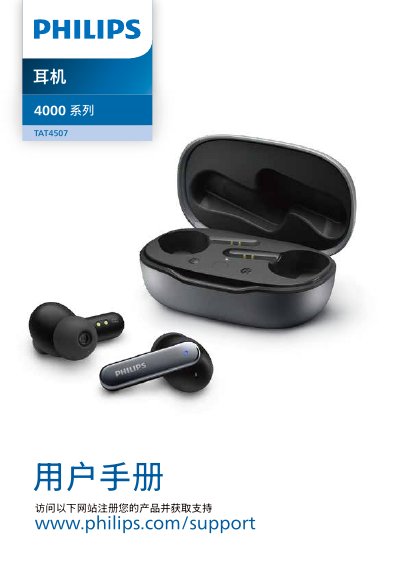
This manual covers important safety information, hearing safety, storage conditions and general usage for the Philips TAT45074000 true‑wireless earbuds. It explains the contents of the packaging, the earbud features such as LED indicators, touch controls, USB‑C charging and ANC modes.
Detailed instructions are provided for initial charging, wearing the earbuds, pairing with a Bluetooth device, managing calls and music, using the voice assistant, and troubleshooting common issues. Technical data, compliance statements and trademark information are also included. This manual is written in Chinese.
| Charging time | 2 hours |
|---|---|
| Charge cycles per case charge | 3 full cycles |
| Operating temperature range | 0 °C to 45 °C |
| Storage temperature range | -20 °C to 50 °C |
| Maximum relative humidity | 90 % |
The earbuds may have low battery; charge them before use.
Place the earbuds in the charging case, open the case, press and hold the pairing button for about 3 seconds, then select "Philips TAT4507" on the Bluetooth device.
Double‑tap the right earbud to toggle between ANC on, perception mode, and ANC off.
Make sure the earbuds are in the case, press the pairing button, delete any previous "Philips TAT4507" entry from the device, and retry pairing.