
This manual provides operating instructions for the Bio-Rad Image Lab software, covering image acquisition workflows and analysis steps for compatible…
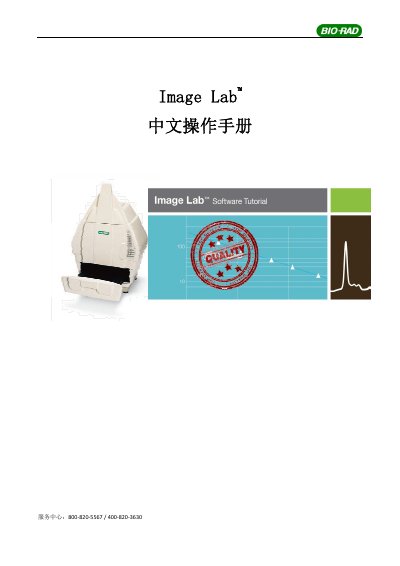
The Bio-Rad Image Lab software is designed to work with Molecular Imager ChemiDoc™ XRS+, Gel Doc™ XR+, ChemiDoc™ MP, and GS-900 imaging systems. It facilitates digital image acquisition and analysis of gel electrophoresis and blotting membranes through automated workflows that accelerate data processing. This manual is written in Chinese.
The software is compatible with Molecular Imager ChemiDoc™ XRS+, Gel Doc™ XR+, ChemiDoc™ MP, and GS-900 imaging systems.
The main tools include Image Tools, Lane and Band Tools, MW Molecular Weight Tools, Quantity Tools, Annotation Tools, and Volume Tools.
SAM allows users to input a range of exposure times to capture multiple images, helping to optimize image quality and detect weak signals.