
Brief operating manual for the Bio-Rad 680 microplate reader, covering startup, program editing, thresholds, reports, standards, reading modes, and plate…
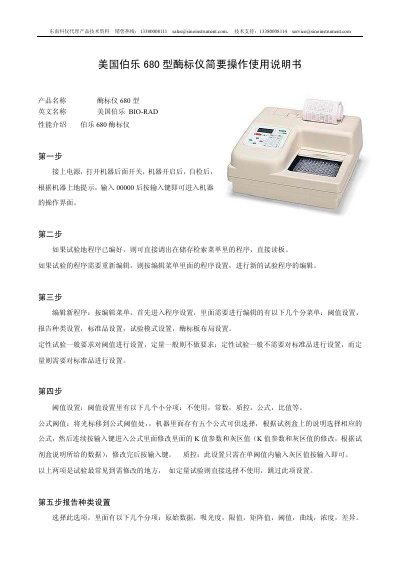
This three-page technical document from distributor 东南科仪 presents brief operating instructions for the Bio-Rad 680 microplate reader. It explains startup and self-test entry, editing or recalling test programs, threshold options, report selection, standard and curve setup, reading mode and speed settings, and microplate layout.
The manual also covers setting test names, user permissions and passwords, program locking, filter installation and wavelength entry for up to eight filter slots, and date/time setup. It notes qualitative versus quantitative test requirements and describes standard filter configuration and reading time options. This manual is written in Chinese.
| Filter slots | 8 slots, up to 8 filters |
|---|---|
| Standard filters | 405, 450, 490, and 630 |
| Standard count | 0–12 standards |
| Well numbering range | 0–96 |
| Fast read speed | 6 s single wavelength; 15 s dual wavelength |
| Step read speed | 15 s single wavelength; 30 s dual wavelength |
| Read modes | Normal or evaluation read |
After connecting power and turning on the rear switch, the machine self-tests; enter 00000 and press Enter to enter the operating interface.
Original data, absorbance, and threshold reports are typically selected.
Fast read is 6 seconds for single wavelength and 15 seconds for dual wavelength; step read is 15 seconds for single wavelength and 30 seconds for dual wavelength.
Insert it directly into the slot, turn the wheel gently until no resistance is felt, then enter the wavelength at that position.