
TEC Thermal Transfer Printer B-452-TS user manual, introduces the use and maintenance methods of the printer.
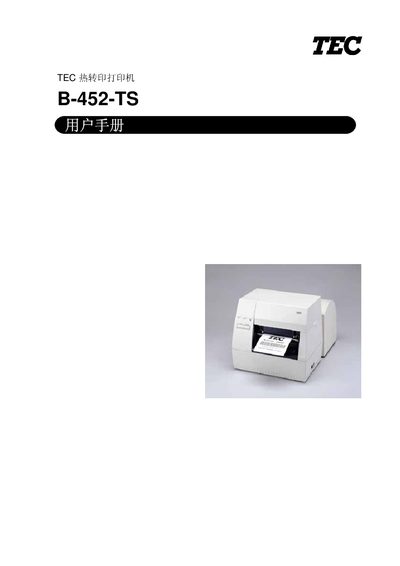
This manual provides safety warnings, installation steps, and operating instructions for the Toshiba B-452-TS heat‑transfer printer. It includes detailed information on power requirements, paper and ribbon handling, DIP switch settings, and optional accessories.
The document also contains maintenance guidelines, cleaning procedures, and a fault‑diagnosis section to help users resolve common errors such as paper jams, ribbon issues, and print‑head problems. This manual is written in Chinese.
| Power consumption (max) | 74 W (printing), 23.5 W (idle) |
|---|---|
| Print head resolution | 11.8 dots/mm (300 dpi) |
The red error indicator lights when a communication error occurs, the paper or ribbon is empty, or the printer is malfunctioning. Turn off the power, unplug the printer, and contact an authorized Toshiba TEC service agent.
Turn off the power, open the top cover, move the print head forward to release the lever, remove the jammed paper, then clean the print head and rollers before closing the cover.
Select the cleaning option in the menu or follow the maintenance steps to clean the print head; if the problem persists, contact the service agent.
Power off the printer, wait a few seconds, then power it on again. This will clear the error; if it returns, contact the authorized service agent.