
This manual introduces the use and precautions of TEC thermal transfer printer B-452-HS
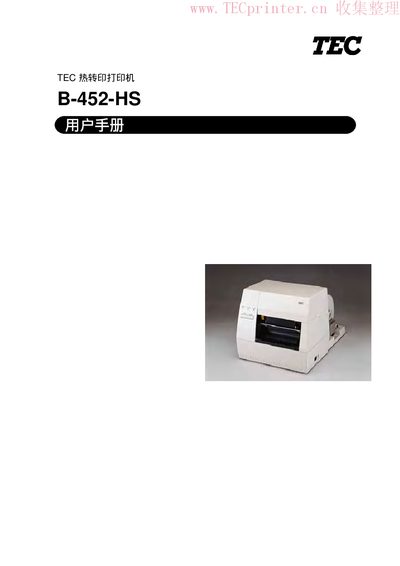
This manual covers safe operation, installation, and routine maintenance of the Toshiba TEC B-452-HS heat‑transfer printer. It includes warnings, power requirements, and detailed procedures for setting up paper, ribbon, and optional modules.
The document also lists technical specifications such as voltage, power consumption, dimensions, printing speed, and supported barcode types, helping users achieve optimal performance and longevity of the printer. This manual is written in Chinese.
| Supply Voltage | 220‑240 V, 50 Hz |
|---|---|
| Power Consumption | 0.9 A (max 150 W), 0.12 A (standby 17 W) |
| Operating Temperature | 5 °C ~ 40 °C |
| Relative Humidity | 25 % ~ 85 % RH (no condensation) |
| Dimensions (without paper unit) | 268 mm W × 244 mm H × 198 mm D |
| Weight (printer only) | 5.0 kg |
| Print Speed | 50.8 mm/s (2 in/s) |
| Maximum Print Width | 103.6 mm (4.08 in) |
| Supported Barcode Types | QR, DataMatrix, UPC, EAN, Code 39, Code 128, etc. |
| Standard Interfaces | RS‑232 serial, Centronics parallel, optional I/O |
Do not touch moving parts, keep fingers, jewelry and clothing away, ensure the power switch is OFF before maintenance, and avoid connecting a power source with a voltage different from 220‑240 V, 50 Hz.
Turn off the power, unplug the power cord, and contact an authorized Toshiba TEC service agent for assistance.
The printer requires a supply voltage of 220‑240 V at 50 Hz and consumes up to 150 W (0.9 A), with a standby consumption of 17 W (0.12 A).
Install the ribbon module by mounting the ribbon cartridge, threading it through the guide, and securing it with the provided clamps as described in the “Installing Ribbon” section.