
Key facts
Start here
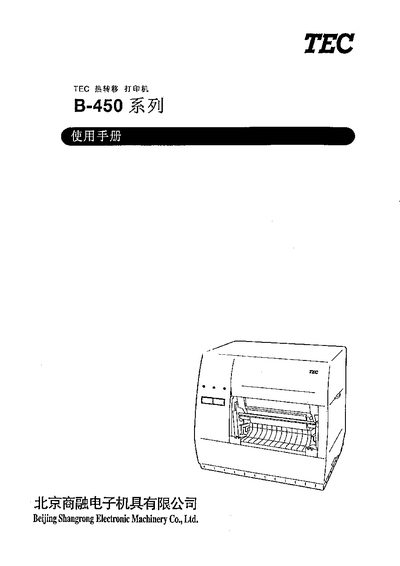
TEC B-452-TS Thermal Transfer Printer User Manual
This document is the user manual for the TEC B-452-TS thermal transfer printer, a high-performance device equipped with a print head of 11.8 dots/mm (300 dpi). It supports printing speeds up to 101.6mm/s (4 ips) and includes optional features such as a cutter and label peeler. The manual provides essential information for setup, maintenance, and optimal usage. This manual is written in Chinese.
Read onlineTEC B-452-TS specifications
| Supply voltage | 220‑240 V, 50 Hz |
|---|---|
| Power consumption (max) | 0.41 A, 74 W |
| Dimensions (without paper feed unit) | 270 mm W × 245 mm H × 200 mm D |
| Dimensions (with paper feed unit) | 410 mm depth |
| Weight | 4.7 kg (without paper and ribbon) |
| Print resolution | 11.8 dots/mm (300 dpi) |
| Maximum print width | 105.7 mm (4.16 in) |
| Print speed (serial barcodes) | 50.8 mm/s (2 in/s) |
Source: Toshiba TEC B-452-TS Heat Transfer Printer User Manual
All TEC B-452-TS documents by type
Day-to-day operation, settings and troubleshooting. Start here if the product is already set up.
Questions answered in these manuals
What are the supported barcode symbologies?
The printer supports JAN8, JAN13, EAN8, EAN13, UPC-A, UPC-E, MSI, ITF, NW-7, CODE39, CODE93, CODE128, Industrial 2 to 5, UCC/EAN128, Customer Bar Code, POSTNET, RM4SCC, KIX code, Data Matrix, PDF417, QR code, and Maxi code.
What are the power requirements for the B-452-TS printer?
The printer requires a supply voltage of 220‑240 V at 50 Hz and draws up to 0.41 A (maximum 74 W).
What does the red error indicator mean and how should I respond?
The red error indicator lights when a communication error occurs, the paper or ribbon is empty, or the printer is malfunctioning. Turn off the power, unplug the printer, and contact an authorized Toshiba TEC service agent.
How do I clear a paper jam?
Turn off the power, open the top cover, move the print head forward to release the lever, remove the jammed paper, then clean the print head and rollers before closing the cover.