
This document is the user manual of TEC thermal transfer printer B-452-HS. It mainly introduces the safety use precautions of the printer, including prohibition of using inappropriate power, prohibition of placing metallic objects or containers with water, prohibition of scraping, damaging or changing the power cord, prohibition of inserting or dropping metallic objects, flammable substances and other external objects through the vents
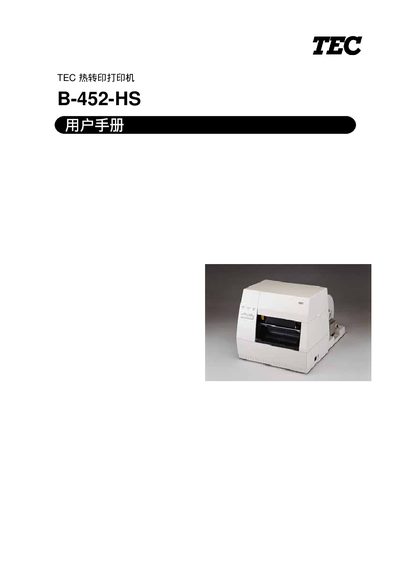
This manual covers safety precautions, required protective measures and recommended maintenance for the B-452-HS heat‑transfer printer. It explains how to avoid electrical hazards, protect the device from dust, moisture and static, and when to contact a Toshiba TEC service agent.
The document also details the printer’s technical specifications, installation steps for paper and ribbon, configuration of DIP switches, operation modes, and troubleshooting procedures. Appendices include character tables and barcode examples. This manual is written in Chinese.
| Supply voltage | 220‑240 V, 50 Hz |
|---|---|
| Maximum power consumption | 150 W (0.9 A) |
| Idle power consumption | 17 W (0.12 A) |
| Operating temperature | 5 °C ~ 40 °C |
| Relative humidity | 25 % ~ 85 % RH (no condensation) |
| Dimensions (W × H × D) | 268 mm × 244 mm × 198 mm (without paper feed unit) |
| Weight (printer only) | 5.0 kg |
| Print resolution | 23.6 dots/mm (600 dpi) |
| Maximum print speed | 50.8 mm/s (2 in/s) |
| Maximum print width | 103.6 mm |
| Supported interfaces | Serial (RS‑232), Parallel (Centronics), USB |
| Ribbon type | Roll, width 60‑110 mm, length 270 m |
Always turn the power switch to OFF and pull the power plug by grasping the plug body, then disconnect the power cord.
No. Metal objects or containers with water must not be placed on or near the printer because they can cause fire or electric shock.