
Key facts
Start here
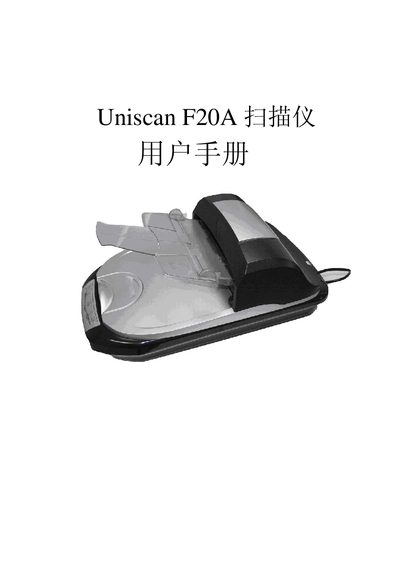
Uniscan F20A Scanner User Manual
This manual guides you through installing the Uniscan F20A scanner software using the provided InstallShield Wizard. The installation program is referenced as "Uniscan F20A InstallShield Wizard" in the document.
It also details the hardware connections, including a USB 2.0 interface and a power requirement of 24 V at 1.25 A. Follow the steps to connect the scanner to a computer and power it on safely.
All Uniscan F20A documents by type
Day-to-day operation, settings and troubleshooting. Start here if the product is already set up.
Questions answered in these manuals
How do I install the scanner software?
Run the Uniscan F20A InstallShield Wizard that is included with the product.
What power does the scanner require?
The scanner needs a 24 V power supply delivering 1.25 A.
How do I install the Uniscan F20A scanner?
Run the Uniscan F20A InstallShield Wizard and follow the on‑screen prompts to install the driver and software.
What type of USB connection does the scanner use?
The scanner connects via a USB 2.0 interface and requires a 24 V 1.25 A power supply.