
The Dell Latitude 11 Keyboard is a versatile device that can transform your tablet into a laptop. It features a keyboard, touchpad, and battery, allowing you to work and play on the go.
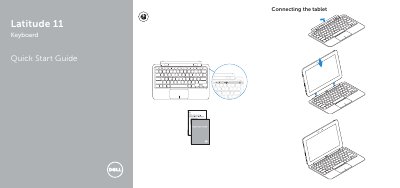
This quick start guide is for the Dell Latitude 11 Keyboard. It covers connecting the tablet, disconnecting the tablet, and using the Dell mini Active Pen, along with product support, contact, and regulatory information.
| Model | Dell Latitude 11 Keyboard (K12M) |
|---|---|
| Regulatory model | K12M001 |
| Rated voltage | 1oo-20 伏特 (交流電屋) |
| Rated frequency | 5oんo 閑交 |
| Rated input current | o.9 安培 (3o瓦 |
The regulatory label identifies it as Dell Latitude 11 Keyboard (K12M).
The document lists K12M001 as the regulatory model number.
Dell lists product support at Dell.com/support and manuals at Dell.com/support/manuals.
It covers connecting the tablet, disconnecting the tablet, and using the Dell mini Active Pen.