
This guide describes how to set up and use an HP computer.
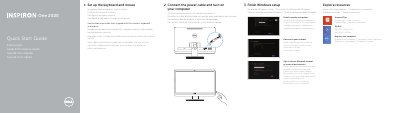
This two-page quick start guide for the Dell Inspiron One 2020 walks through setting up the wireless keyboard and mouse, connecting the power cable, turning on the computer, finishing Windows setup, enabling security and updates, signing in to a Microsoft account or creating a local account, and connecting to a network. It also points to resources such as Help and Tips, My Dell, product registration, product support and manuals, and Dell contact information.
The guide includes a labeled Features section for the computer, listing the camera, optical drive, power button, USB 2.0 ports, network port, power-adapter port, security-cable slot, media-card reader, microphone and headphone ports, and display controls. Regulatory and safety information is included, with NOM details listing model W06B and power specifications.
| Computer model | Inspiron One 2020 |
|---|---|
| Power input voltage | 100 V AC-240 V AC |
| Input frequency | 50 Hz-60 Hz |
| Input current | 2.50 A |
| Output voltage | 19.50 VDC |
| Output current | 6.70 A |
The guide covers the Dell Inspiron One 2020.
It says to see the documentation that shipped with the wireless keyboard and mouse.
The listed power input voltage is 100 V AC-240 V AC.